SVG Recolour
Change SVG colours.
Find your new palette.
Give your SVG a new palette. Change individual colours, explore a curated palette or let a shuffle surprise you.
Open your SVG- Import
- Mode
- Settings
- Download
Open your SVG
Choose a file or drop it here to get started.
How would you like to work?
Your SVG is ready
Your file is processed in your browser.
How it works
Find the palette that feels right
Original colours stay together across the drawing. Choose a palette, then fine-tune each replacement to make it your own.
- Open an SVG and choose Automatic or Manual.
- Set your colours, then select Apply colours.
- Review the result and download your SVG.
SVGenic
Need many colour variations?
SVGenic turns one SVG into a whole collection of colour variations, all different. Previews are free.
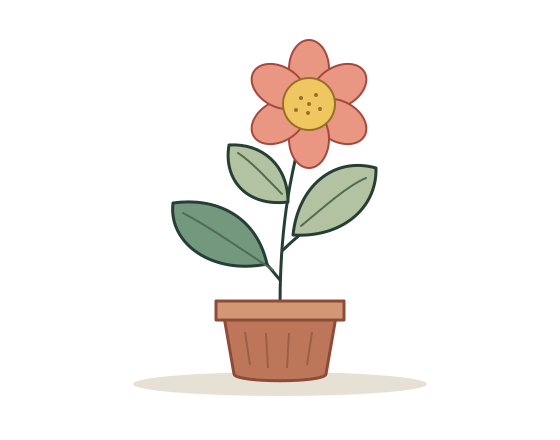
Recolour SVG fills, strokes and gradient stops
SVG Recolour detects editable solid colours in your artwork. A replacement updates matching colours across the drawing, including supported fills, outlines and gradient stops.
Use Automatic to start with a suggested palette, or Manual to choose each replacement. Apply your settings, compare the result with the original, then download a single recoloured SVG.
- Explore colour palettes for an illustration.
- Adapt icon colours to a design.
- Prepare an alternative colour scheme for SVG artwork.
A few things to know
Which colours can I change?
Edit solid fills, strokes and gradient stops. The browser resolves CSS classes, inherited colours and inline styles before applying your choices.
Can I compare it with the original?
Use the Original and Result buttons above the preview. Reset restores your imported colours.
What will I download?
One SVG file containing the colours shown in Result. Your original file stays on your device.
Do I need an internet connection?
Applying colours needs a connection to the processing service. It decodes up to four replacement colours. Additional colours and the SVG are processed in your browser.